Custom Creative
Your car. Any scene. No shoot.
What it is
AI-generated advertising photography for car brands. The brand's vehicle is set up once, with its proportions, paint, wheels and badges locked.
From then on, every photo is directed like a shoot: factory color, camera angle and height, light, a 24, 50, 70 or 90 mm lens, a scene described in plain words and a retouch asked for in one sentence. Each image is delivered in 2K or 6K, in native 16:9, 21:9, 9:16, 4:5 and 1:1, always with the whole car in frame.
What I did
I founded the company in 2026 and directed:
- The product, and the prompt system that keeps every vehicle accurate.
- The studio interface.
- customcreative.pro, built around a dial that turns the camera around the car.
- How it works, a 30-second film in English and Spanish, 16:9 and 9:16, made with HyperFrames.
One car. Nine angles. Nine scenes.
One generated Mercedes-Benz GLE 350 at nine verified camera angles, each generated in another scene and color.
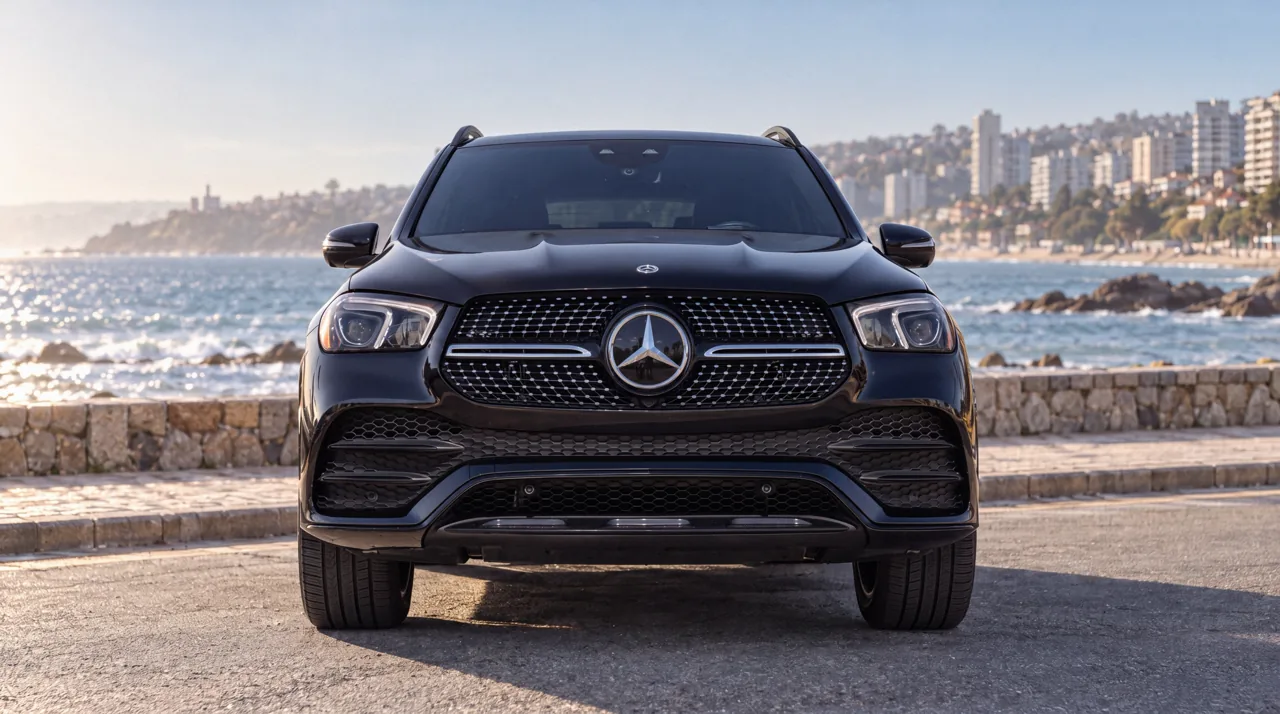
0°BlackViña del Mar seafront 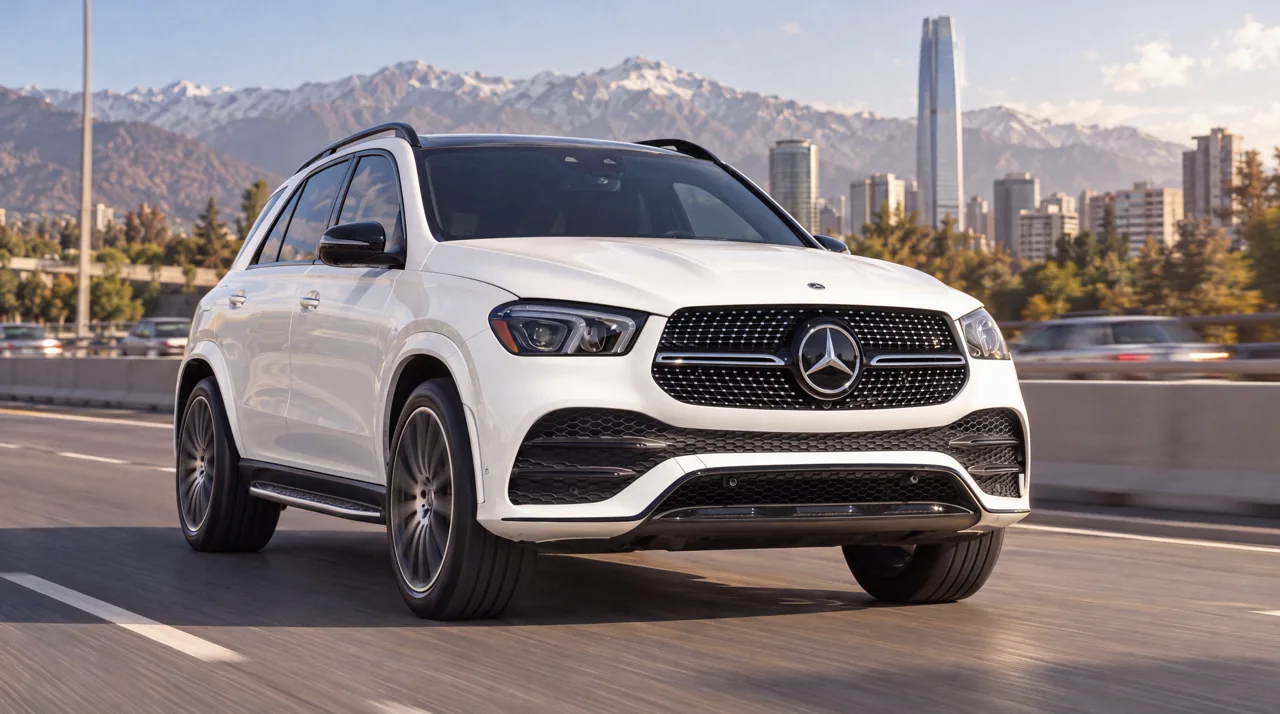
22.5°WhiteKennedy highway 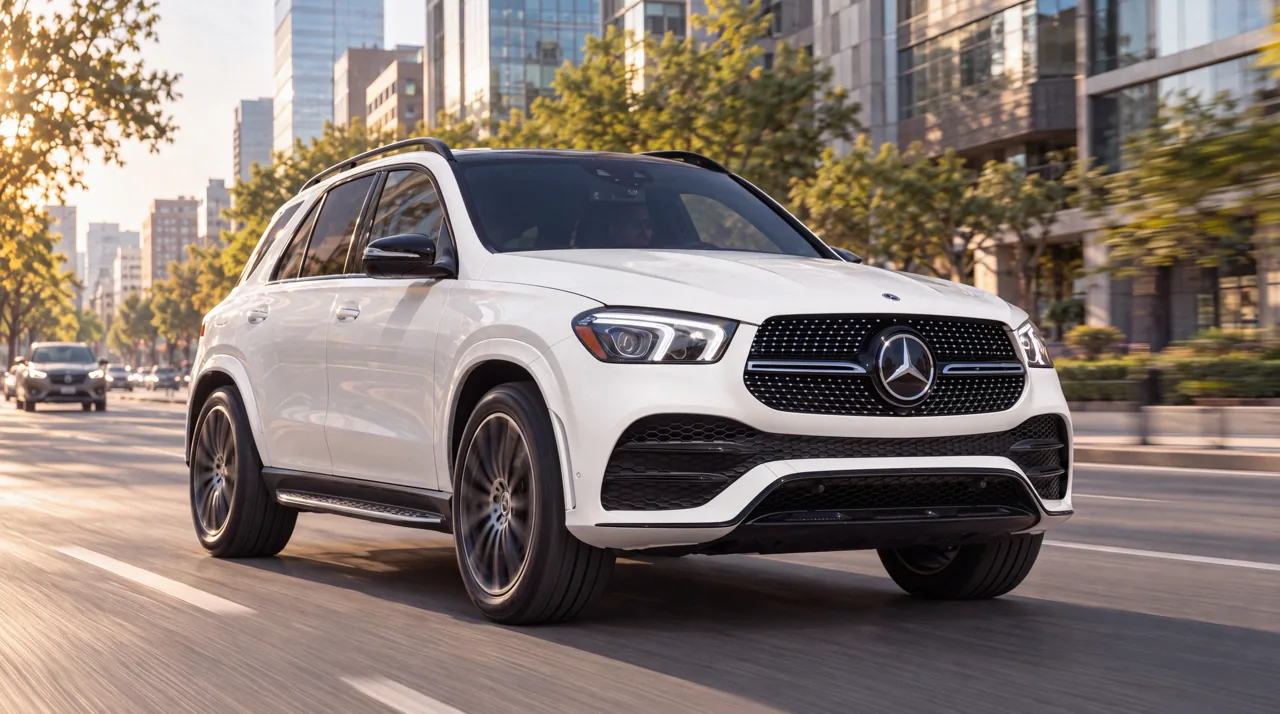
45°WhiteApoquindo Avenue 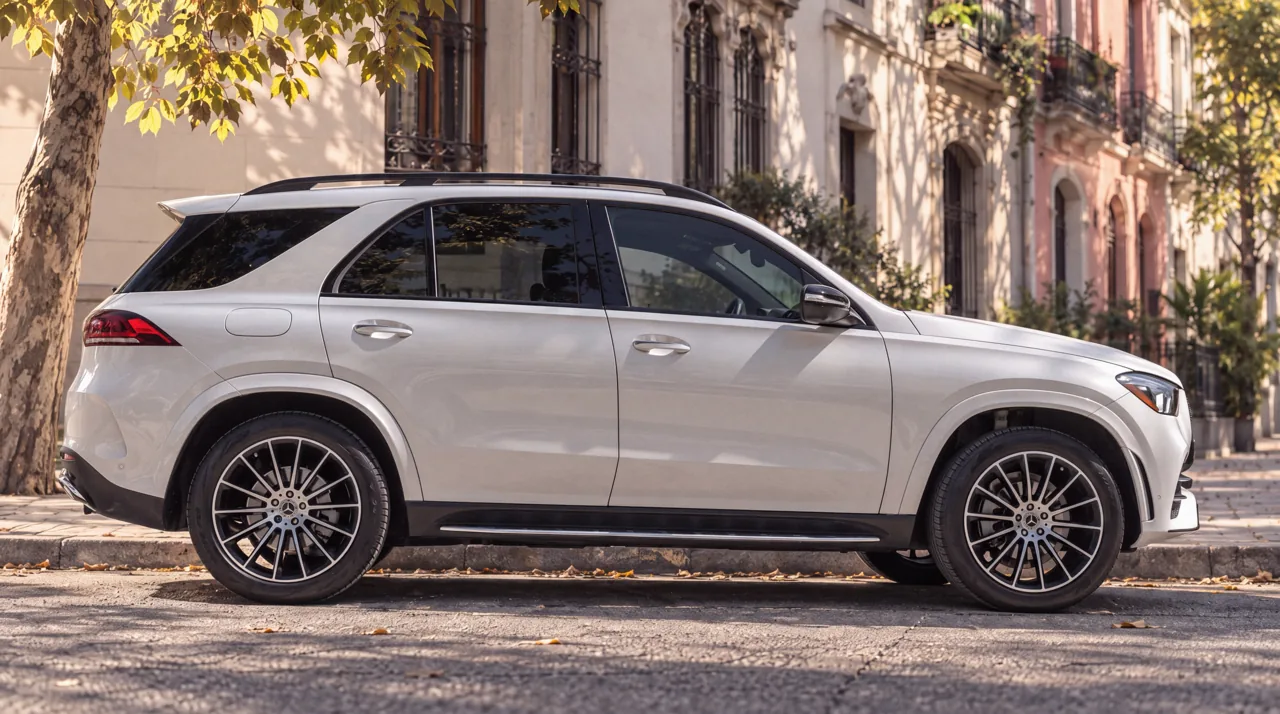
90°SilverOld-town street 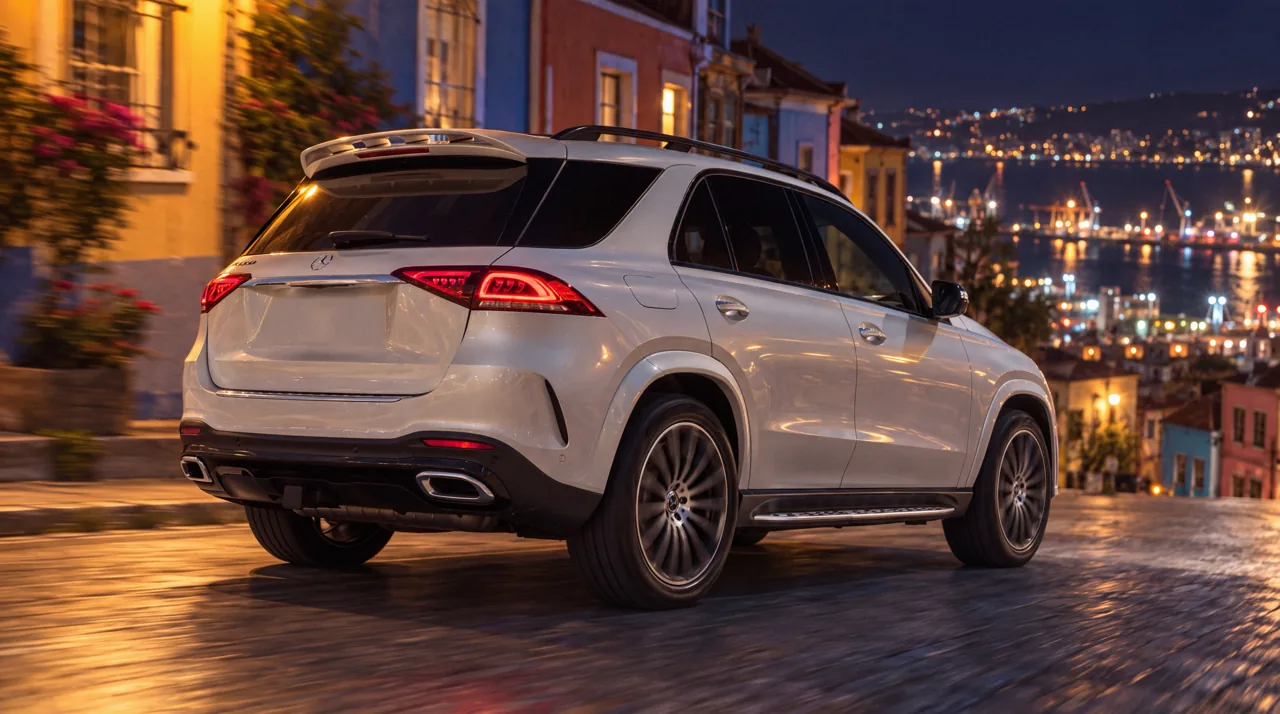
135°SilverValparaíso hills, night 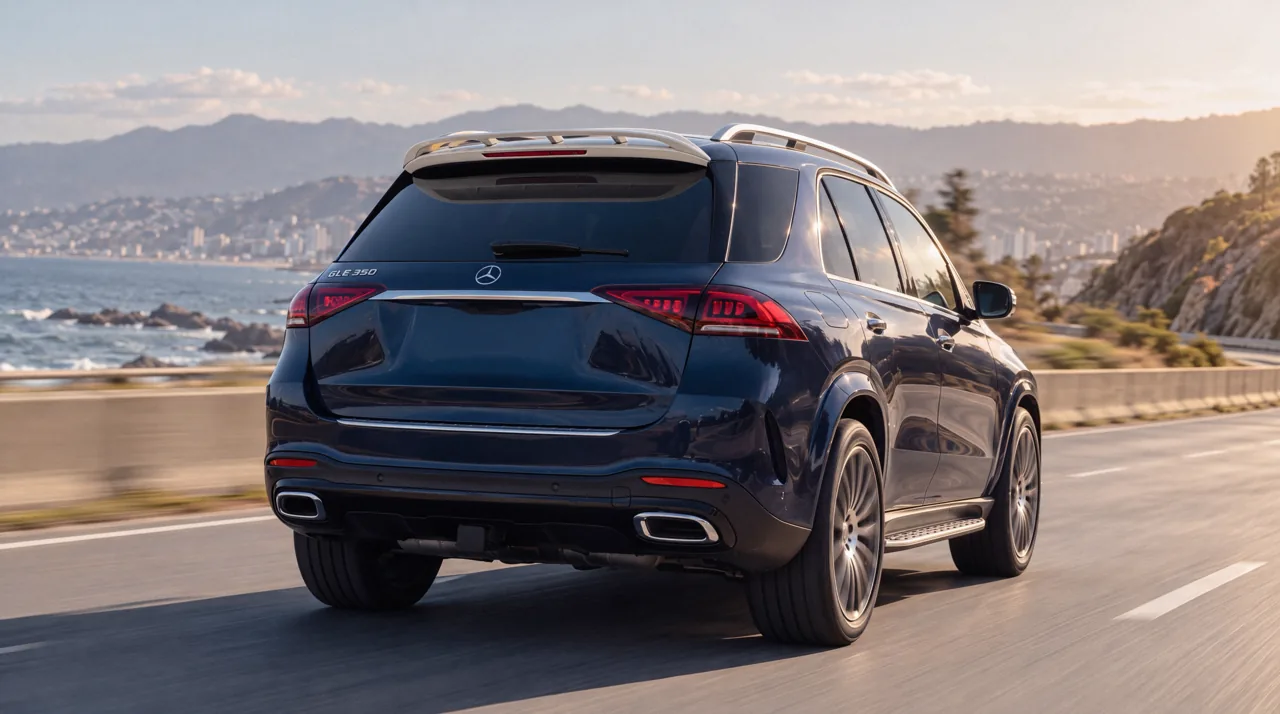
157.5°Dark blueSantiago riverside 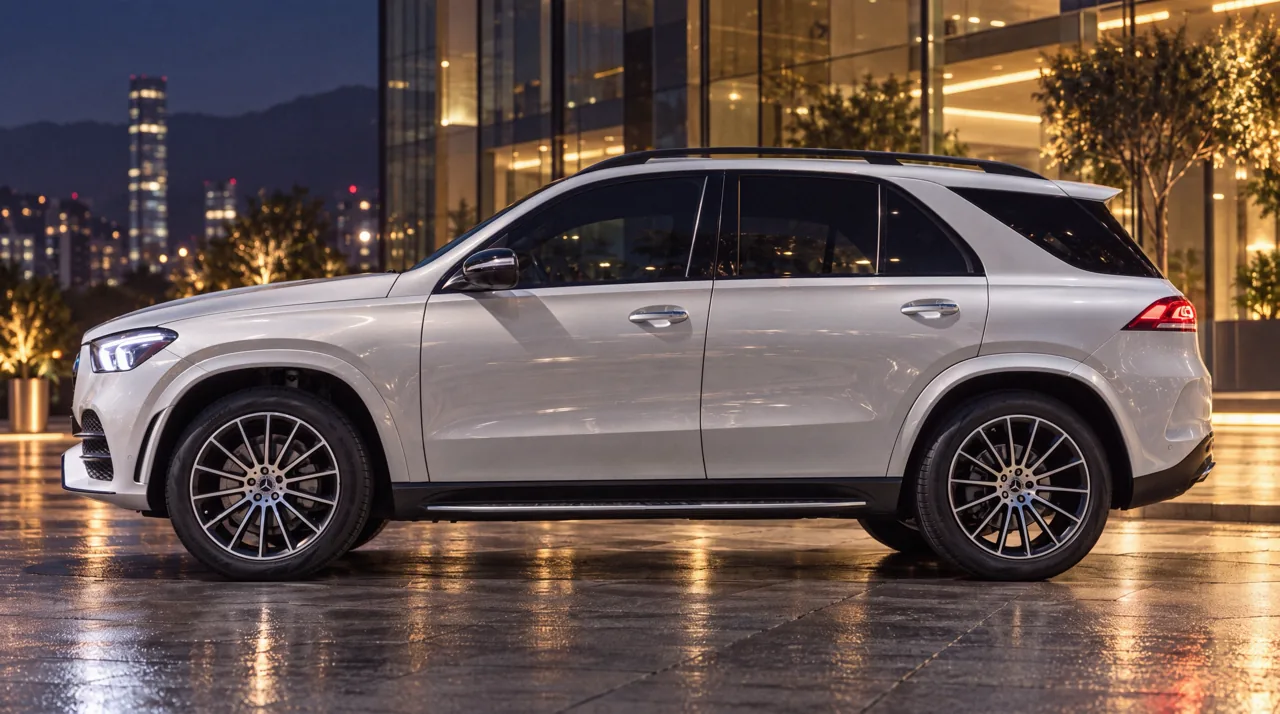
270°SilverVitacura, night 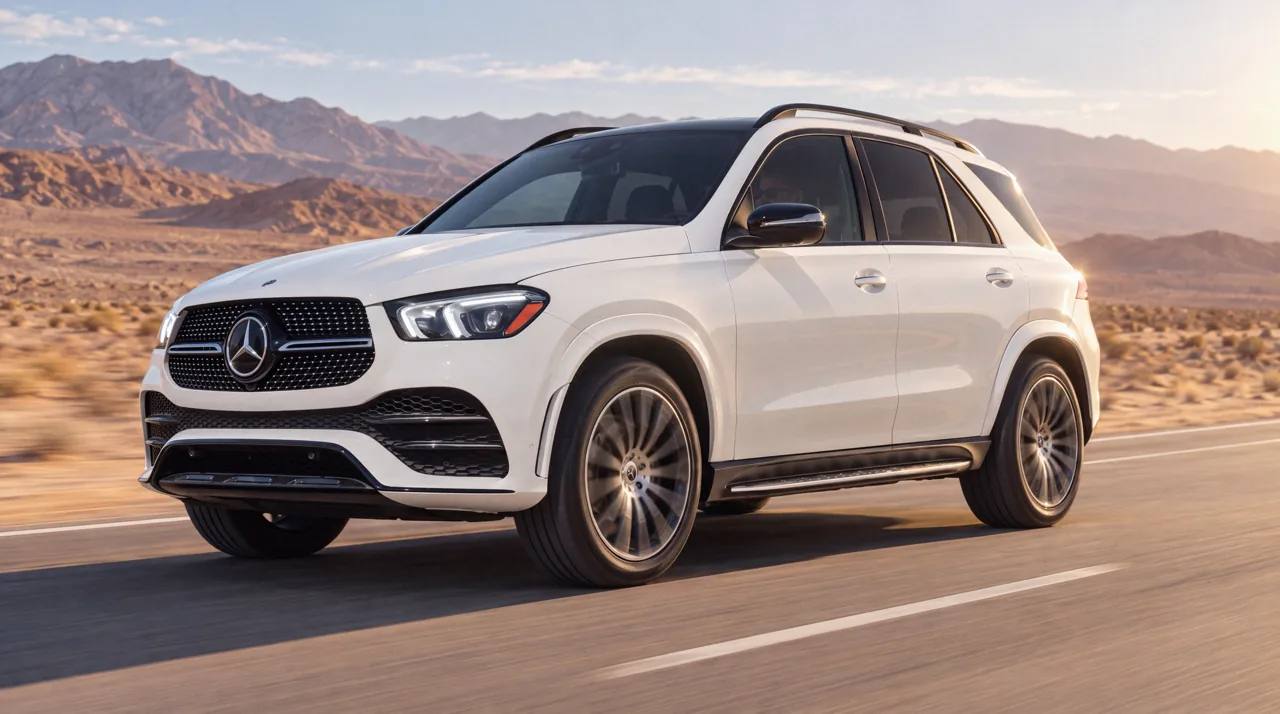
315°WhiteAtacama desert 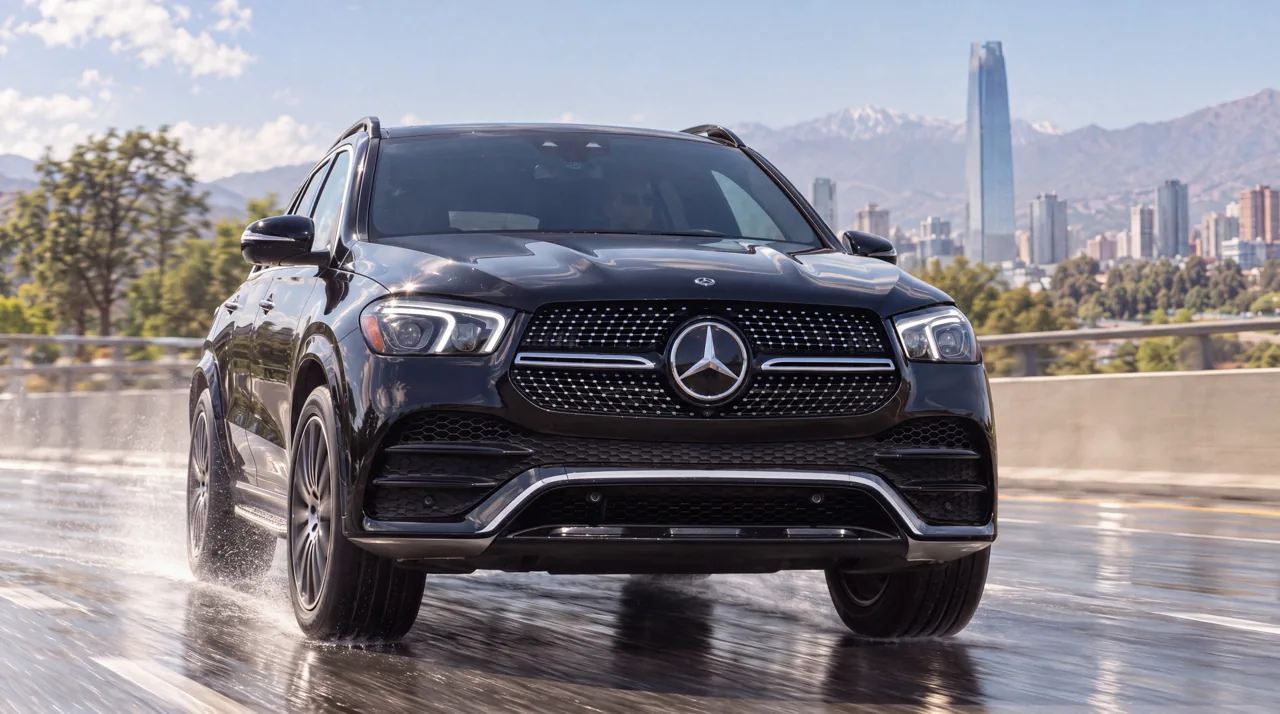
337.5°BlackWet asphalt
One sentence. New paint. Same shot.
Before White
InstructionChange the paint to black.
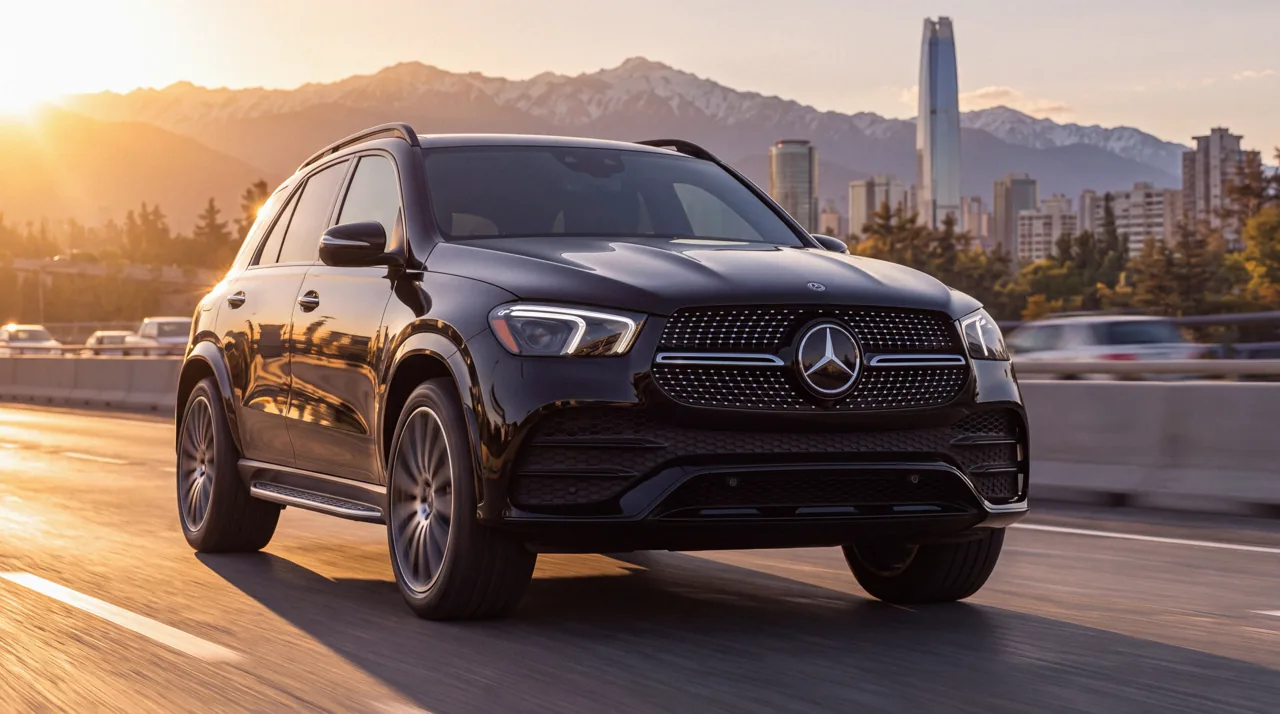
After Black
How it works · 30 s
English and Spanish, 16:9 and 9:16. Made with HyperFrames.
Every vehicle image here was generated with Custom Creative. Brands and models belong to their manufacturers.